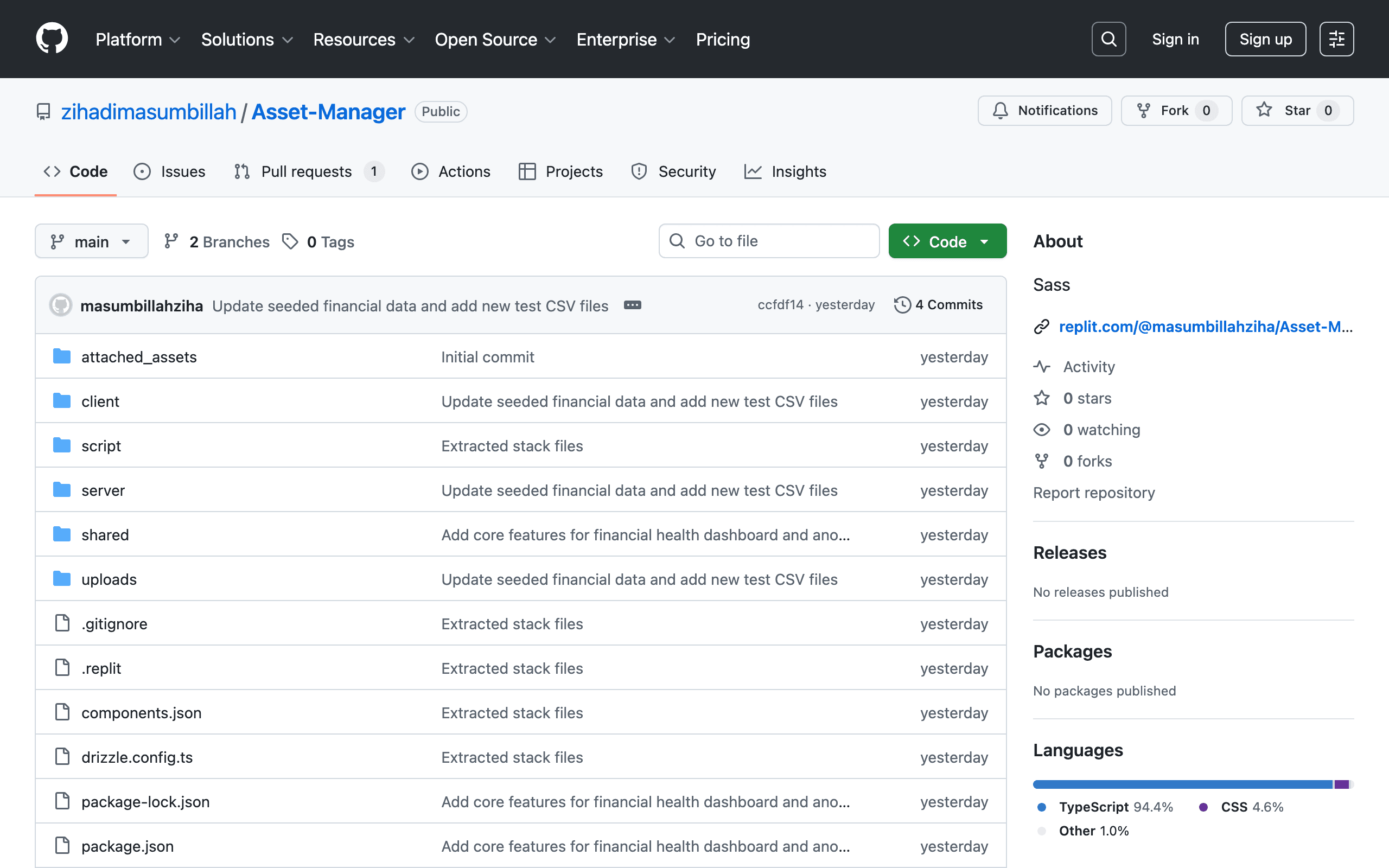
Asset Manager
Comprehensive full-stack asset management system for tracking, organizing, and managing enterprise hardware and digital assets. Built with a TypeScript stack and Sass styling.
FinPulse — Financial Health Dashboard
AI-powered financial analysis platform. Upload a P&L ledger CSV, and FinPulse dispatches it to an n8n workflow for AI analysis — returning health scores, anomaly detection, revenue/expense charts, and natural-language commentary.


Table of Contents
- Architecture
- Prerequisites
- Quick Start
- Environment Variables
- npm Scripts
- Project Structure
- API Reference
- Deployment
- Security
- Contributing
Architecture
graph TD
    User["👤 User (Browser)"]
    Client["React Client\n(Vite + TanStack Query)"]
    Server["Express Server\n(Node.js / TypeScript)"]
    DB[("PostgreSQL\n(Drizzle ORM)")]
    N8N["n8n Workflow\n(AI Analysis Engine)"]
    Webhook["Webhook Endpoint\n/api/webhook/n8n-response"]

    User -->|"Upload CSV"| Client
    Client -->|"POST /api/upload-ledger"| Server
    Server -->|"Store report (processing)"| DB
    Server -->|"Dispatch with fileUrl"| N8N
    N8N -->|"Fetch CSV"| Server
    N8N -->|"POST results"| Webhook
    Webhook -->|"Update report (completed)"| DB
    Client -->|"Poll /api/reports/:id every 5s"| Server
    Server -->|"Return completed report"| Client
Tech stack:
| Layer | Technology |
|---|---|
| Frontend | React 18, Vite 7, TanStack Query, Recharts, framer-motion |
| Backend | Express 5, Node.js 20, TypeScript |
| Database | PostgreSQL 16, Drizzle ORM, Drizzle Kit |
| Validation | Zod (shared between client and server) |
| AI Pipeline | n8n (self-hosted or cloud) |
| File Uploads | multer (local disk, 10 MB limit) |
| Styling | Tailwind CSS v3, Radix UI, shadcn/ui |
Prerequisites
- Node.js ≥ 20 (nvm recommended)
- PostgreSQL ≥ 14 running locally or via a cloud provider
- n8n instance (optional — skip for local development without AI processing)
Quick Start
# 1. Clone the repository
git clone https://github.com/zihadimasumbillah/Asset-Manager.git
cd Asset-Manager

# 2. Install dependencies
npm install

# 3. Configure environment
cp .env.example .env
# Edit .env and fill in DATABASE_URL at minimum

# 4. Push database schema
npm run db:push

# 5. Start development server
npm run dev
# → Opens at http://localhost:5000
The app seeds 4 regional demo reports on first start (US Tech, UK Retail, APAC Manufacturing, Great Lakes Hospitality).
Troubleshooting: Mock Data Not Displaying
Symptom: The dashboard shows no reports in both development and Vercel production.
Root Causes:
- Missing
DATABASE_URL— The app requires a PostgreSQL connection string. Without it, the server fails to initialize the database layer and cannot seed or retrieve reports. - Seeding skipped in production — A previous safeguard prevented
seedDatabase()from running whenNODE_ENV=production. On Vercel,NODE_ENVis alwaysproduction, so demo reports were never created. - User ID mismatch in seed data — Demo reports were created with a hardcoded
user_id = "demo-user", but the authenticated user's actual ID is a UUID generated by the database. This caused all report queries to return empty results. - Silent seed failures — In serverless environments, seed errors were swallowed, making the failure invisible.
Fixes Applied:
seedDatabase()no longer skips production. It is controlled bySEED_DEMO_DATA(default:true). SetSEED_DEMO_DATA=falseto disable seeding.- Demo reports are now created with the actual authenticated user's ID, eliminating the
user_idmismatch. - The server now fails fast at startup if
DATABASE_URLis missing, with a clear error message. - Vercel serverless seeding logs errors instead of ignoring them.
Verification Steps:
# 1. Ensure DATABASE_URL is set
echo $DATABASE_URL

# 2. Push schema to database
npm run db:push

# 3. Start dev server — seed runs automatically
npm run dev

# 4. Confirm reports exist
curl http://localhost:5000/api/reports
Troubleshooting: AI Analysis Not Working
Symptom: File uploads succeed, but reports complete without AI-generated health scores, anomalies, or commentary. Server logs show TypeError: fetch failed with ENOTFOUND api.aihumax.com.
Root Cause: The AI integration requires AI_API_KEY and AI_API_BASE_URL to be set to valid values. If AI_API_BASE_URL is not configured, the server previously defaulted to https://api.aihumax.com/v1, which is not a resolvable hostname. This causes DNS resolution failures in the AI fetch call.
Fixes Applied:
AI_API_BASE_URLis now required whenAI_API_KEYis set. The server throws a clear error if it's missing.- Added a 30-second timeout to AI API requests to prevent serverless hangs.
- Improved error logging to distinguish between missing configuration, network failures, and AI API errors.
Required Environment Variables:
AI_API_KEY=your-ai-api-key
AI_API_BASE_URL=https://your-ai-provider.com/v1
AI_MODEL=gpt-4o-mini
Verification:
# Check that AI variables are set
echo $AI_API_KEY
echo $AI_API_BASE_URL

# Upload a CSV and watch server logs for:
# [direct AI analysis error] AI API error ...
# OR successful AI processing without errors
Troubleshooting: 403 Forbidden on Report Access
Symptom: Server logs show successful /api/auth/validate requests (200), but subsequent GET /api/reports/:id requests return 403 Forbidden.
Root Cause: The report exists in the database but belongs to a different user_id than the currently authenticated user. This commonly occurs when:
- Reports were created before the authentication migration with a hardcoded
user_id - The database contains reports from multiple users or seeding runs
- The
demouser account was recreated, generating a new UUID, while old reports remain associated with the old UUID
Fixes Applied:
- The server now logs detailed ownership mismatch information (
report belongs to X, requested by Y) to aid debugging. - Seed data creation uses the actual user's database-generated ID instead of hardcoded values.
Manual Fix for Existing Data:
If you have existing reports with mismatched user_id, you can update them:
# 1. Find your current user ID
curl -X POST http://localhost:5000/api/auth/login \
  -H "Content-Type: application/json" \
  -d '{"username":"demo","password":"demo-password"}' | jq -r '.user.id'

# 2. Update reports to belong to your user (PostgreSQL example)
psql $DATABASE_URL -c "UPDATE financial_reports SET user_id = '<your-user-id>' WHERE user_id = 'old-user-id';"
Verification:
# Confirm reports belong to your user
curl http://localhost:5000/api/reports -H "Authorization: Bearer <your-session-key>"
Environment Variables
All variables are documented in .env.example. Copy it to .env before starting.
| Variable | Required | Description |
|---|---|---|
DATABASE_URL |
✅ | PostgreSQL connection string |
PORT |
No (5000) | Server port |
NODE_ENV |
No (development) | development | production | test |
SEED_DEMO_DATA |
No (true) | Set to false to disable demo data seeding |
SERVER_BASE_URL |
✅ in prod | Public base URL for file download links sent to n8n |
SESSION_SECRET |
✅ in prod | 64-char hex string for session signing |
AI_API_KEY |
No | API key for aihubmax AI analysis |
AI_API_BASE_URL |
✅ if AI enabled | Base URL for AI API (e.g., https://api.aihumax.com/v1) |
AI_MODEL |
No | Model identifier (default: gpt-4o-mini) |
N8N_WEBHOOK_URL |
No | n8n workflow trigger URL |
N8N_WEBHOOK_SECRET |
✅ if n8n used | 32-char hex string for webhook signature verification |
Never commit
.env— it is listed in.gitignore.
npm Scripts
| Script | Description |
|---|---|
npm run dev |
Start development server (tsx, hot-reload) |
npm run build |
Build production bundle (Vite + esbuild) |
npm start |
Start production server (requires build first) |
npm run check |
TypeScript type check |
npm run lint |
Run ESLint |
npm run lint:fix |
Run ESLint with auto-fix |
npm run format |
Run Prettier (write) |
npm run format:check |
Run Prettier (check only) |
npm test |
Run Vitest (single run) |
npm run test:watch |
Run Vitest in watch mode |
npm run test:coverage |
Run tests with v8 coverage report |
npm run db:push |
Push Drizzle schema to database |
Project Structure
Asset-Manager/
├── client/                  # React frontend (Vite)
│   ├── index.html
│   └── src/
│       ├── App.tsx
│       ├── components/      # UI components
│       ├── hooks/           # Custom React hooks
│       ├── lib/             # queryClient, utils
│       └── pages/           # Route-level pages
├── server/                  # Express backend
│   ├── index.ts             # Server entry point
│   ├── routes.ts            # API route definitions
│   ├── storage.ts           # Database access layer (IStorage interface)
│   ├── db.ts                # Drizzle + pg pool setup
│   └── seed.ts              # Demo data seeding
├── shared/                  # Code shared between client and server
│   └── schema.ts            # Drizzle schema + Zod validators + TypeScript types
├── tests/                   # Test setup and cross-layer tests
├── .github/workflows/       # GitHub Actions CI/CD
├── .env.example             # Environment variable template
├── vercel.json              # Vercel deployment config
├── vitest.config.ts         # Vitest test configuration
└── drizzle.config.ts        # Drizzle Kit configuration
API Reference
| Method | Path | Description |
|---|---|---|
POST |
/api/upload-ledger |
Upload a CSV file and start AI processing |
GET |
/api/files/:filename |
Download an uploaded CSV file |
POST |
/api/webhook/n8n-response |
Receive AI analysis results from n8n |
GET |
/api/reports |
List all reports for a user |
GET |
/api/reports/latest |
Get the most recent report for a user |
GET |
/api/reports/:id |
Get a specific report by ID |
Full request/response documentation: docs/architecture.md
Deployment
Vercel (Recommended)
- Install Vercel CLI:
npm i -g vercel - Link project:
vercel link - Add environment variables in the Vercel dashboard (see Environment Variables)
- Deploy: push to
main— GitHub Actions handles deployment automatically
See .github/workflows/deploy.yml for the full pipeline.
Required GitHub Secrets:
| Secret | Where to get it |
|---|---|
VERCEL_TOKEN |
Vercel → Account Settings → Tokens |
VERCEL_ORG_ID |
.vercel/project.json after vercel link |
VERCEL_PROJECT_ID |
.vercel/project.json after vercel link |
AI Integration
Troubleshooting: AI Analysis Not Working
Symptom: File uploads succeed, but reports complete without AI-generated health scores, anomalies, or commentary. The dashboard shows generic/local-parsed data instead of AI analysis.
Root Cause: The AI integration requires two environment variables: AI_API_KEY and AI_API_BASE_URL. If either is missing or misconfigured, the server silently falls back to local CSV parsing. Additionally, the AI API endpoint (analyzeWithAihubmax) previously had no request timeout, causing serverless functions to hang on DNS failures.
Fixes Applied:
- Added a 30-second timeout to all AI API requests using
AbortController - Improved error logging to distinguish between:
- Missing
AI_API_KEY(falls back to local parsing) - Network/DNS failures (falls back to local parsing)
- AI API errors (falls back to local parsing)
- Missing
- The fallback to local CSV parsing is now logged with
[direct AI analysis error]prefix for visibility
Required Environment Variables:
AI_API_KEY=your-ai-api-key
AI_API_BASE_URL=https://api.aihumax.com/v1
AI_MODEL=gpt-4o-mini
Verification:
# Check that AI variables are set
echo $AI_API_KEY
echo $AI_API_BASE_URL

# Upload a CSV and watch server logs for:
# [direct AI analysis error] ... (if AI fails)
# OR successful AI processing
UI Components
Tabs Component: Touch Event Fix
Symptom: On mobile or touch-enabled devices, tapping the currently selected tab causes it to become unselected.
Root Cause: The TabsTrigger component did not intercept touch pointer events. On touch devices, Radix UI's default pointer handling can fire conflicting pointerdown/click sequences that briefly clear the active state before re-selecting, causing a visible flicker or deselection.
Fix Applied:
- Added
onPointerDownhandler toTabsTriggerthat callspreventDefault()for touch pointer types - This prevents the browser's default touch behavior from interfering with Radix UI's state management
- The component now maintains stable selection state across mouse, touch, and keyboard interactions
Component Usage:
import { Tabs, TabsList, TabsTrigger, TabsContent } from "@/components/ui/tabs";

<Tabs value={activeTab} onValueChange={setActiveTab}>
  <TabsList>
    <TabsTrigger value="overview">Overview</TabsTrigger>
    <TabsTrigger value="details">Details</TabsTrigger>
  </TabsList>
  <TabsContent value="overview">...</TabsContent>
  <TabsContent value="details">...</TabsContent>
</Tabs>;
Security
⚠️ Known Issues — This application was built as a prototype. The following security issues are documented in
code_review.mdand have not yet been remediated:
- No authentication system (all endpoints are public)
- Path traversal vulnerability in
/api/files/:filename- Unauthenticated webhook endpoint
- No rate limiting or CORS policy
Do not run this in production with real financial data until these are fixed.
Contributing
See CONTRIBUTING.md for development workflow, branch conventions, commit format, and PR guidelines.
Explore More Projects
Discover other applications built by Masum Billah Zihadi
ReadyForms
A modern full-stack form builder SaaS platform built with TypeScript & Next.js. Create, manage, and deploy dynamic forms with an intuitive interface and real-time validation.
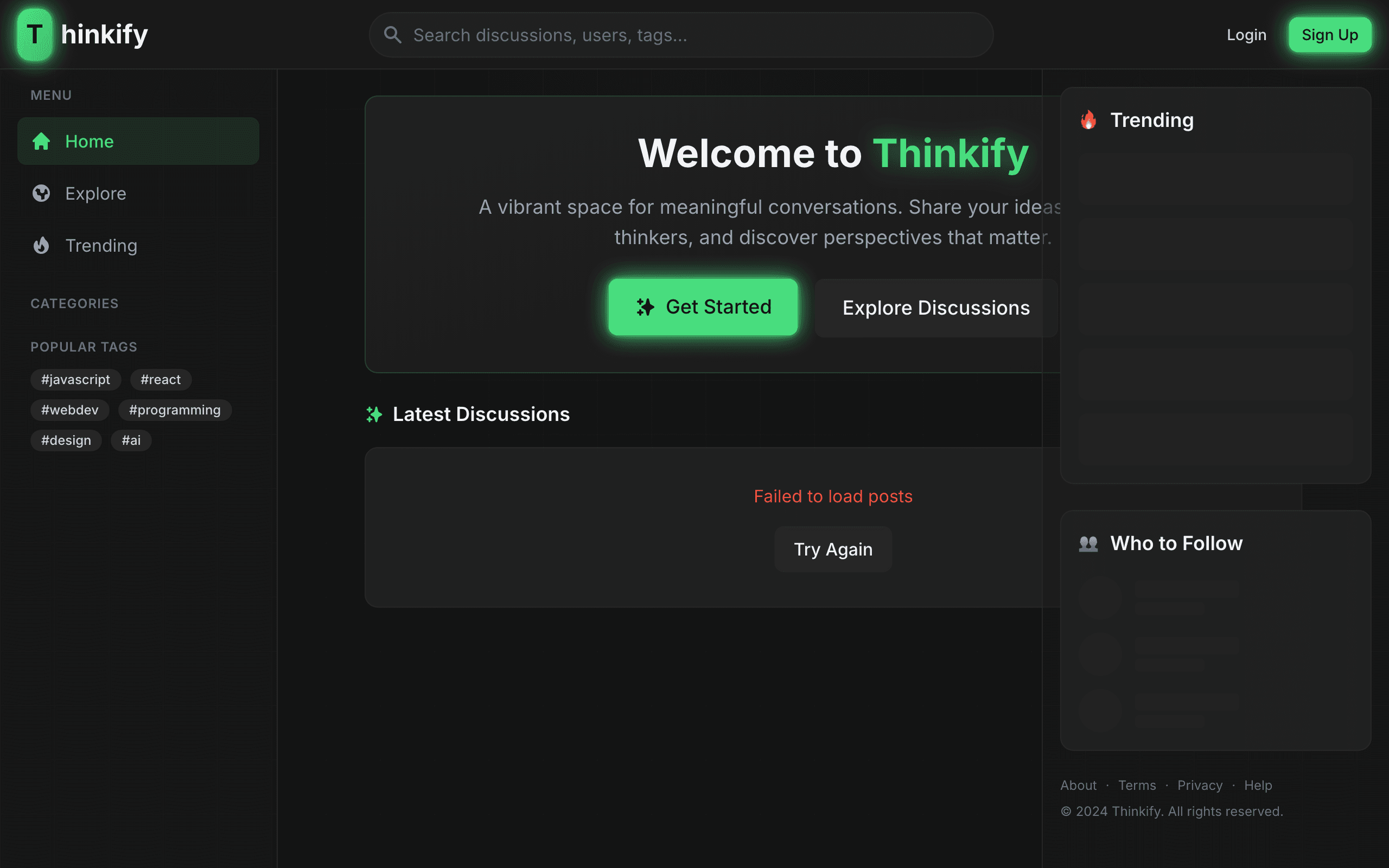
Thinkify
Full-stack intellectual discussion platform for meaningful conversations. Share articles, engage with thinkers, and discover perspectives that matter.

E-Commerce Platform
Full-featured modern full-stack e-commerce storefront & backend engine with shopping cart, Stripe payment processing, product filtering, and order management.