ReadyForms
A modern full-stack form builder SaaS platform built with TypeScript & Next.js. Create, manage, and deploy dynamic forms with an intuitive interface and real-time validation.
⚡ ReadyForms — Enterprise AI-Powered Form & Quiz Builder







ReadyForms is a high-performance, enterprise-grade, customizable form and quiz builder application. Built with Next.js 15 (App Router), TypeScript, Express.js, Sequelize ORM, and PostgreSQL, ReadyForms combines generative AI form creation with real-time analytics, RBAC admin oversight, interactive quiz modes, and passwordless OTP verification.
✨ Features & Highlights
🤖 Generative AI Form Builder
- Natural Language Schema Generation: Instantly build complete form structures (questions, option choices, descriptions, and answer keys) using OpenAI & AIHubMix LLM integrations.
- Zero-Downtime Fallback: Intelligent fallback engine ensures form generation succeeds even during external AI provider downtime.
🛡️ Authentication & Enterprise Security
- Dual-Layer Authentication: Synchronized NextAuth v5 session management on the frontend with JWT Bearer token verification on the Express REST API.
- Google OAuth 2.0 & Email OTP: Passwordless sign-in via cryptographically secure CSPRNG 6-digit OTP codes delivered via Resend Email API.
- Security Hardening: ReDoS-safe linear regex validation,
express-rate-limitbrute-force protection, origin-isolated CORS policies, and zero-tolerance CodeQL security scanning.
📊 Comprehensive Dashboards & RBAC
- User Dashboard: Manage created forms, view incoming submissions, inspect responses, and track likes and comments.
- SuperAdmin Suite: System-wide administrative control over all user accounts, global templates, form submissions, and system health status.
📝 Dynamic Form & Quiz Engine
- Rich Question Types: Short text, multi-line paragraph, integer numeric inputs, single-choice radios, and boolean checkboxes.
- Quiz Mode: Assign correct answers and automated score calculation upon form submission.
- Social & Discovery: Public template directory with searching, tag filtering, liking, and commenting capabilities.
📱 Premium UX & Organic SEO
- Design System: Modern glassmorphic aesthetic, dark/light theme switching, responsive mobile navigation drawer, and smooth micro-interactions.
- Organic SEO & Structured Data: Complete OpenGraph, Twitter Cards, canonical metadata, and
WebApplicationJSON-LD schema. - Branded Browser Favicons: Custom SVG, PNG, and ICO favicon packages across all preview windows and browsers.
🛠️ Technology Stack
| Component | Technology | Purpose |
|---|---|---|
| Frontend Framework | Next.js 15 (App Router) | Server & client rendering, routing, and static generation |
| UI Components & Styling | Tailwind CSS, Radix UI, Lucide Icons | Responsive layout, theme toggling, accessibility, and micro-animations |
| State & Auth | NextAuth v5, React Query, Axios | Client session state, cached API queries, and JWT interceptors |
| Backend API Server | Node.js, Express.js, TypeScript | REST API server, validation middleware, and security headers |
| Database & ORM | PostgreSQL, Sequelize ORM | Relational data persistence, schema migrations, and relational models |
| Email Delivery | Resend API, HTML Mail Templates | Passwordless OTP code delivery to user inboxes |
| AI Provider | OpenAI API / AIHubMix API | Generative AI prompt-to-form compilation |
🚀 Quick Start Guide
1. Prerequisites
- Node.js: v18.x or higher
- PostgreSQL: v14.x or higher (Local installation or cloud hosted via Supabase / Neon / Render)
2. Repository Setup
# Clone repository
git clone https://github.com/zihadimasumbillah/Readyforms.git
cd Readyforms

# Install dependencies for both client and server
npm install
npm --prefix server install
npm --prefix client install
3. Environment Variables Setup
Create .env in the server directory (copied from .env.example):
# Server Runtime
NODE_ENV=development
PORT=3001
CLIENT_URL=http://localhost:3000,http://localhost:5000
ALLOW_ALL_ORIGINS=true

# Database Connection
DB_HOST=localhost
DB_PORT=5432
DB_NAME=readyforms_db
DB_USER=postgres
DB_PASSWORD=postgres
USE_DIRECT_URL=false

# Authentication
JWT_SECRET=your_super_secret_jwt_key_here
JWT_EXPIRES_IN=7d

# Email Service (Resend)
RESEND_API_KEY=re_your_resend_api_key_here
RESEND_FROM_EMAIL=ReadyForms <onboarding@resend.dev>

# AI Integration
OPENAI_API_KEY=your_openai_api_key_here
OPENAI_BASE_URL=https://aihubmix.com/v1
Create .env.local in the client directory:
NEXT_PUBLIC_API_URL=http://localhost:3001/api
AUTH_SECRET=your_super_secret_jwt_key_here
4. Database Seeding
Initialize the database tables and seed test accounts, topics, and sample templates:
npm --prefix server run seed
5. Running the Application
Start both client and server concurrently:
npm run dev
- Frontend App:
http://localhost:3000(orhttp://localhost:5000) - REST API Server:
http://localhost:3001/api - Health Check:
http://localhost:3001/api/health
🔑 Default Credentials (Development)
| Role | Password | Access Level | |
|---|---|---|---|
| SuperAdmin | admin@example.com |
admin123 |
Full global oversight & admin panel |
| Standard User | user@example.com |
user123 |
Personal dashboard & template creation |
📡 REST API Reference
Authentication Endpoints
POST /api/auth/register— Register a new user account.POST /api/auth/login— Sign in with email and password.POST /api/auth/send-otp— Generate and send a 6-digit OTP code to user inbox via Resend.POST /api/auth/verify-otp— Verify single-use OTP code and receive JWT authentication token.
Templates & Forms
GET /api/templates— List public templates with pagination, sorting, and tag filters.POST /api/templates— Create a new form template (manual or AI generated).GET /api/templates/:id— Retrieve template details, questions, and options.POST /api/templates/:id/responses— Submit a response for a target form.POST /api/templates/:id/like— Toggle like status on a template.POST /api/templates/:id/comments— Post a comment on a template.
Admin Endpoints
GET /api/admin/users— List and manage user accounts.GET /api/admin/templates— Review all global templates across the platform.GET /api/admin/responses— Access all form submissions across the system.
🧪 Testing & Verification
Run automated API and health integration test suites:
# Run unit and API tests
npm --prefix server run test

# Run extended API tests
npm --prefix server run test:extended-api
📦 Production Deployment
Frontend (Vercel)
Deploy client directory to Vercel with environment variable:
NEXT_PUBLIC_API_URL: Your deployed backend REST API URL.
Backend (Vercel / Render / Railway)
Deploy server directory with environment variables:
NODE_ENV:productionDATABASE_URL: Connection string to hosted PostgreSQL database.JWT_SECRET: Production secret string.RESEND_API_KEY: Production Resend API key.
📄 License
Distributed under the MIT License. See LICENSE for more information.
Explore More Projects
Discover other applications built by Masum Billah Zihadi
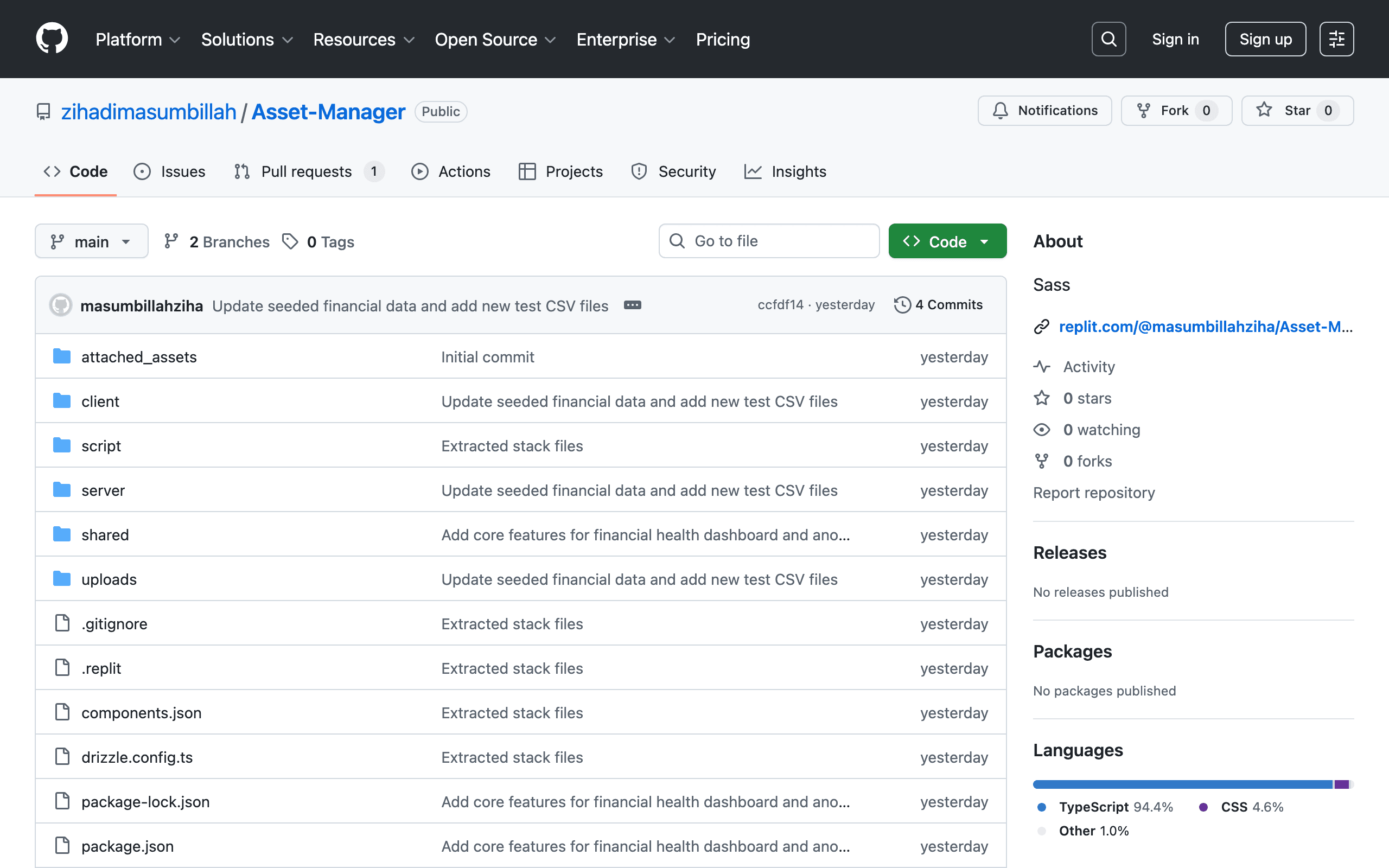
Asset Manager
Comprehensive full-stack asset management system for tracking, organizing, and managing enterprise hardware and digital assets. Built with a TypeScript stack and Sass styling.
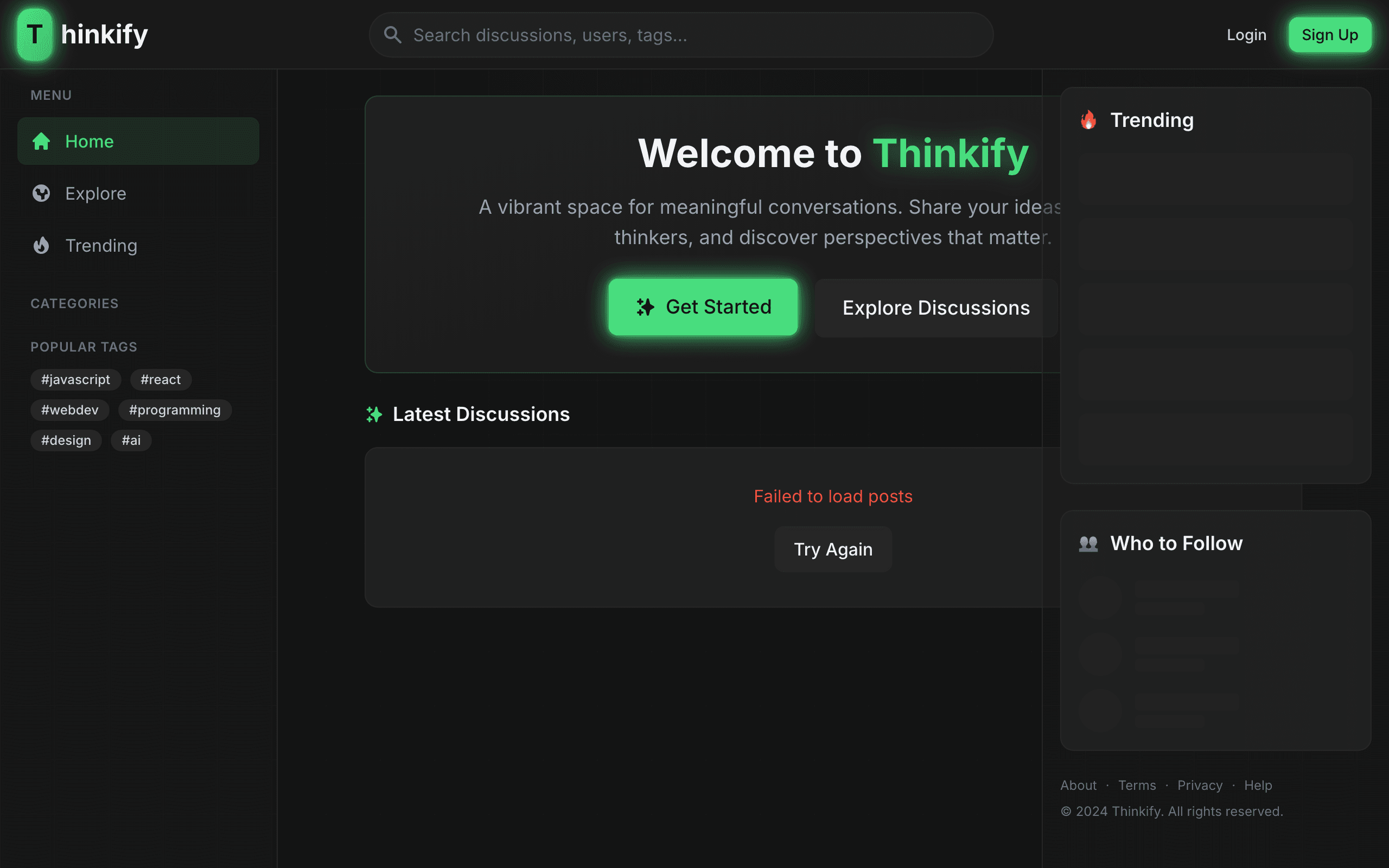
Thinkify
Full-stack intellectual discussion platform for meaningful conversations. Share articles, engage with thinkers, and discover perspectives that matter.

E-Commerce Platform
Full-featured modern full-stack e-commerce storefront & backend engine with shopping cart, Stripe payment processing, product filtering, and order management.